
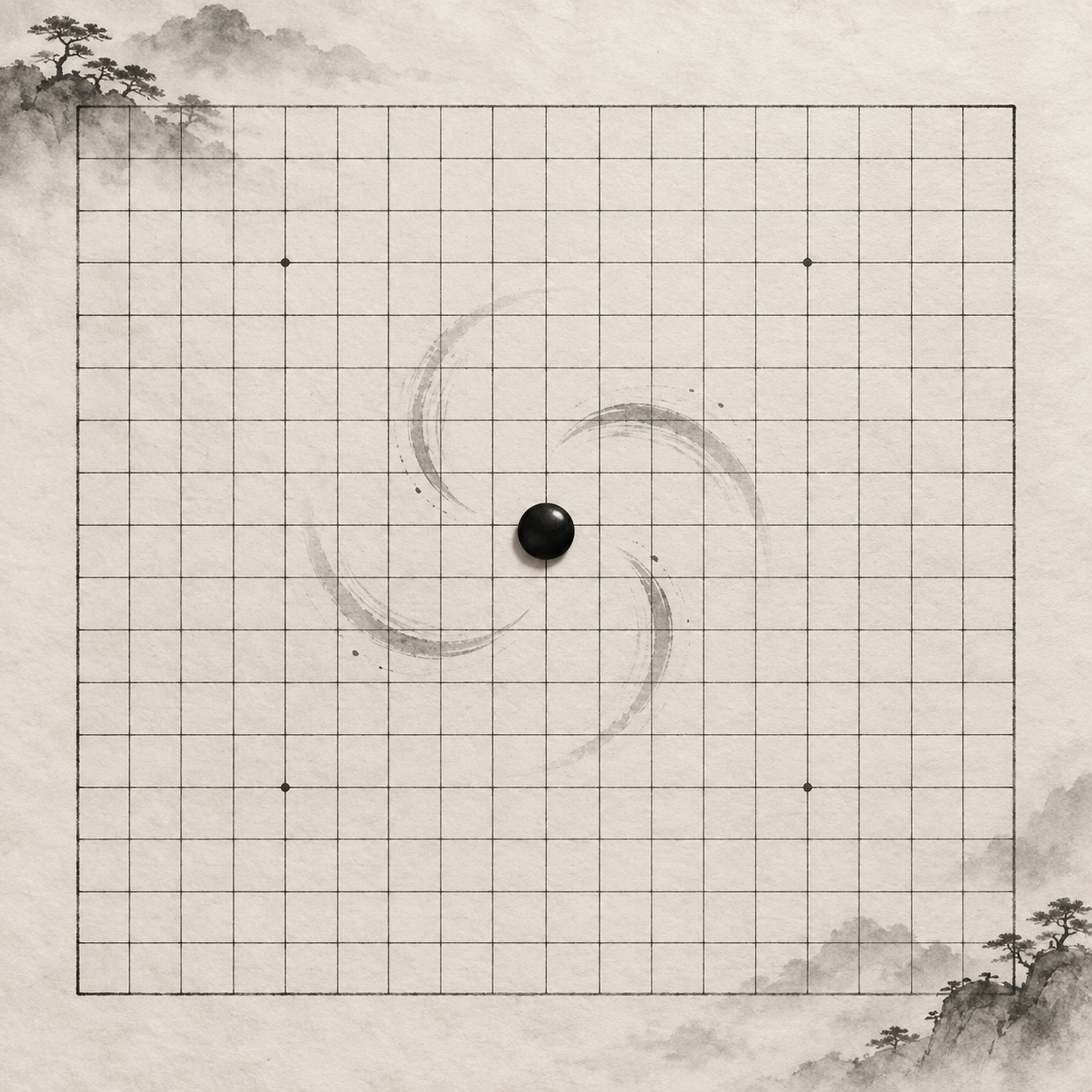
You place a stone near tengen, ready to see whether your opponent can answer your open three. The stone grows, shrinks, then bounces into place; the whole board gives a little shake. Once it settles, you have to find the move again and check whose turn it is. If those effects are switched off, how should the move be shown?
Separate the move from its animation
When you tap an empty intersection, the interface needs to handle a change in move state: confirm that the move is valid, show a stone at the chosen point and advance the turn. Shrinking a stone into place, making it bounce and shifting the board are ways to present that change. A reduced-motion design can describe the state change and the effects separately, then decide which effects are worth keeping.
Imagine adding a stone to the end of a horizontal formation. With reduced motion, the new stone could appear directly at that intersection while the grid stays put. Once the move is confirmed, the stone remains there so you can inspect both ends of the line. If the move is invalid, the position should remain unchanged; an animation that snaps a stone back need not be the only explanation. Each tap then has a result you can check.
Timing matters, too. Before your finger leaves the board, a temporary preview at an intersection can help you aim. After confirmation, the placed stone must be clear. Turning off scaling and bouncing must not also remove the stone or leave the turn stuck on the previous move. Reduced motion changes the transition, not the course of the game.
What kind of motion does WCAG 2.3.3 address?
WCAG 2.3.3, Animation from Interactions, is a Level AAA success criterion. Motion animation triggered by interaction must be possible to disable unless it is essential to the functionality or the information being conveyed. A stone swelling and shrinking after a move, or a board shaking, deserves scrutiny under that condition. This is a criterion at a particular conformance level, not a claim that every product must adopt the same reduced-motion mode.
The accompanying explanation describes motion animation as intermediate steps between states that create an impression of movement or a smooth transition. An element changing size or position as it appears is an example; appearing directly is not that kind of animation. In Gomoku, a new stone appearing at the intersection where you played is the information itself. Having it fly in from elsewhere, or moving the board to accommodate it, is a separate transition to assess.
Nor should you assume an effect is “essential” merely because it is familiar. If the position, formation and turn remain understandable without a particular motion, there is reason to try disabling it. Conversely, reduced motion does not mean freezing the board on the previous turn: after your opponent plays, you still need to see their new stone and the current position. These choices for a board are this article’s design proposal, not Gomoku rules set out by the criterion.
Leave a trace you can check
Animation sometimes does a useful job: it tells you what just changed. If a stone no longer scales into place, a small, steady ring could mark the last move. It would stay beside the stone rather than travel across the board or abruptly vanish after a few seconds. When you look from your opponent’s defensive point back to your open three, you can still find that move. The mark should be restrained enough not to obscure nearby intersections.
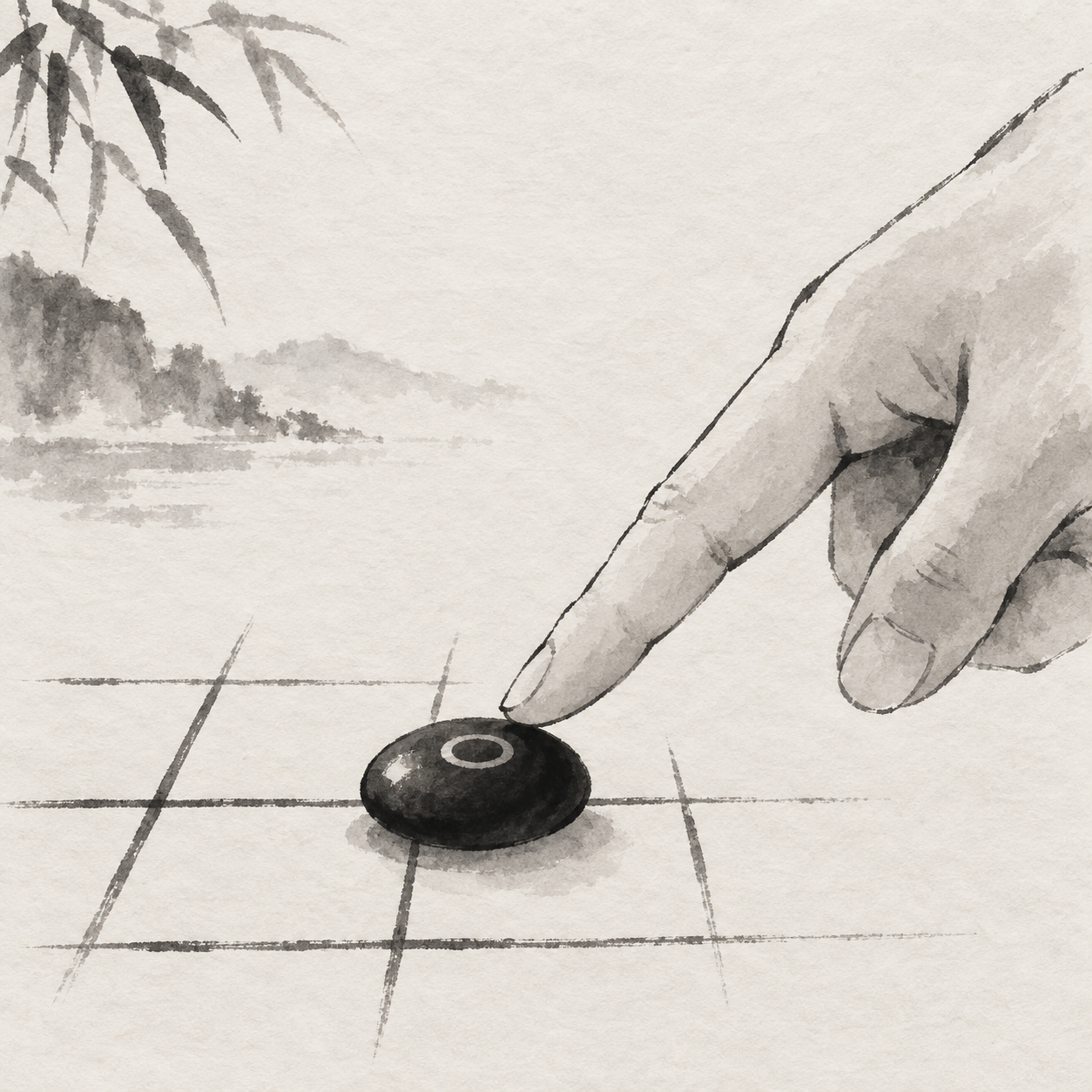
A last-move marker answers only “Where was the last stone placed?” The turn indicator should make clear whose move comes next, while both players’ stones remain on the board. Each piece of information has its place and can be checked separately in testing. If the ring shifts to a new stone after the next move, the older stone still occupies its original intersection. The marker has changed its reference point; no move has been undone.
The stone stays put. The turn moves on.
Consider what happens when you return to the board after a pause. A brief placement effect is long gone, but the position and the turn label are still available to check. The ring is just one possible approach. On a crowded board, a stationary last-move indicator near the board might work better. Whichever you choose, try it on dense positions from actual games to make sure it does not hide an intersection you need to see.
The interface must respond to system preferences
A system’s reduced-motion setting expresses a preference; turning it on does not automatically remove animation from every website or app. The interface has to read and respond to that preference before it affects move feedback. For motion implemented with CSS on the web, W3C’s C39 technique gives an example using a prefers-reduced-motion query. C39 is an informative technique—one possible way to meet the criterion, not its only required implementation.
For a digital board, the proposal could begin with a defined set of effects. When reduced motion is preferred, a placed stone would not scale or bounce, and the board would not slide or shake in response. The stationary stone, last-move position and updated turn would still appear. If the interface also offers its own motion setting, its name should make clear that it controls added effects. How that setting works with the system preference should be explained and tested in the interface.
C39 also suggests a way to check the result: identify each element with interaction-triggered motion, enable the system’s reduced-motion setting, then determine whether that motion is essential or has been suppressed. On a board, do not stop at the new stone. Selecting an intersection, seeing an opponent’s move, passing the turn and returning to a game can all reveal overlooked board movement. Testing each action is more revealing than watching one polished placement.
Ask what each animation does
A single move in a design mock-up might contain several effects: a stone slides from near your fingertip to an intersection, expands and rebounds on arrival, the board scales slightly, then the turn indicator slides in. Asking what information each effect provides is more useful than saying animation makes the move feel responsive. The stone’s final position can identify the intersection; an updated turn label can tell you who plays next. If an effect stays, there should be a reason the static state cannot do the same job.
Look at the effects together, too. A slight change in one stone’s size may seem inconsequential, but repeated board shifts over several moves make you find the grid again and again. To assess a reduced-motion design, play several moves in succession, then pause near a double-three and look back. Does the grid stay steady? Does each stone remain at its confirmed intersection? Does the turn advance in order? Those questions are more concrete than whether an animation looks polished.
Test the feedback with the next move
Try a short game as a test. First enable your system’s reduced-motion preference and confirm that the board interface you are testing responds to it. Choose an empty intersection you will remember and place a stone. Check whether it stays directly at the chosen point, whether the board remains steady, whether you can find the last-move indicator and whether the turn passes to your opponent. If the interface has a separate motion setting, try that as well and note which effects it actually disables.
Then watch your opponent’s move, look back at your own and decide which end you need to defend next. Finally, check the stones’ positions and the current turn: both moves should occupy their confirmed intersections, and the turn should match the moves played. If you can find a stone only by remembering which way it bounced, or if the turn indicator fails to update when animation is off, the reduced-motion feedback needs another pass.