
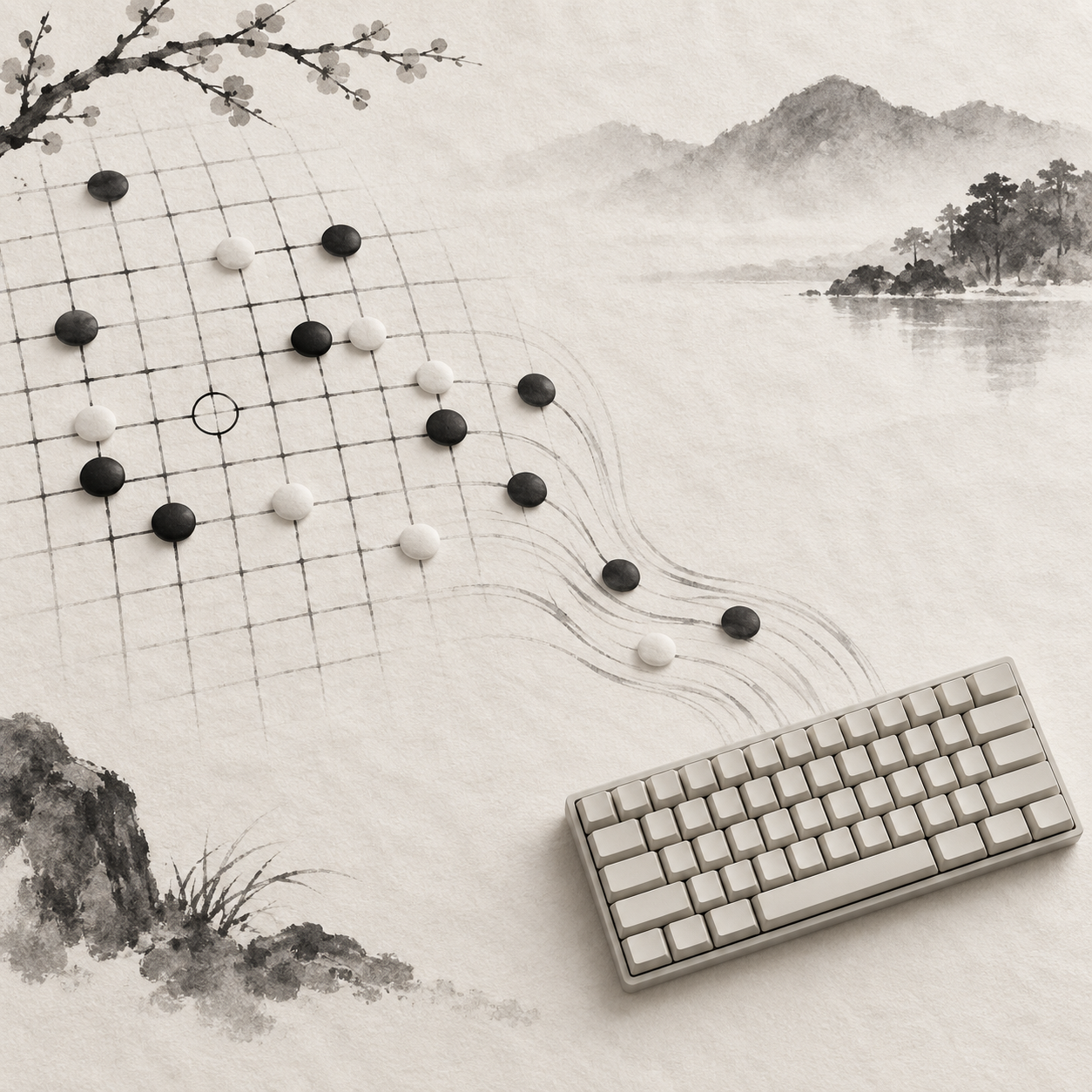
Once your hand leaves the mouse, you press Tab without knowing whether keyboard focus has entered the board. Press it again, and you may wonder whether you will become trapped among the grid lines. Keyboard play in Gomoku needs a complete path: enter, inspect, confirm a move, follow the changing turns, and leave. This is a design proposal that applies general guidance. It does not mean WUZIQI has implemented these features, nor is it a compliance audit.
Tab Should Enter the Board—and Leave It
The proposal treats the board as a composite spatial region. Tab moves from the preceding element to a clearly defined position on the board; arrow keys then handle movement within it. Pressing Tab again advances to the control after the board, while Shift+Tab exits in the other direction. This approach draws on the W3C APG grid pattern, keeping sequential navigation through the page short and predictable.
The WCAG guidance on keyboard access asks whether functionality can be completed from a keyboard; it does not prescribe a particular set of keys for Gomoku. Using Tab to enter and leave, with arrow keys for movement, is therefore a design choice inspired by APG—not a WCAG-mandated key map. W3C documents offer general guidance for the web, not a Gomoku standard.
The entry point should also be easy to understand. A short instruction near the board might say, “Use arrow keys to inspect, Enter or Space to confirm, and Tab to leave.” It should be readable before play begins and available to assistive technology. When focus returns, it can resume at the last inspected position. If the game has been reset, it should begin at a stable, explainable point.
Arrow Keys Inspect; They Do Not Place Stones
Up, down, left, and right should follow the board’s spatial arrangement, moving one intersection at a time. Each keypress changes only the current inspection position; the state of the board remains untouched. Focus must never quietly turn into a stone without confirmation, and holding an arrow key must not place a series of stones.
This proposal uses Enter or Space to submit the current position. Both are design choices and should be stated plainly in the instructions. On confirmation, the system first checks the current turn and selected ruleset, then decides whether the move is allowed. An empty intersection may still be unavailable—for example, because the game has ended, it is not your turn, or the rules declare the move illegal.
After a successful move, feedback should identify the position and explain the change in play while leaving focus somewhere predictable. It can remain on the newly placed stone until the next arrow-key input. An opponent’s move or a change of turn should not abruptly drag it elsewhere. If submission fails, focus should stay in place and the reason should be specific.
Visible Focus Must Differ From the Last Move
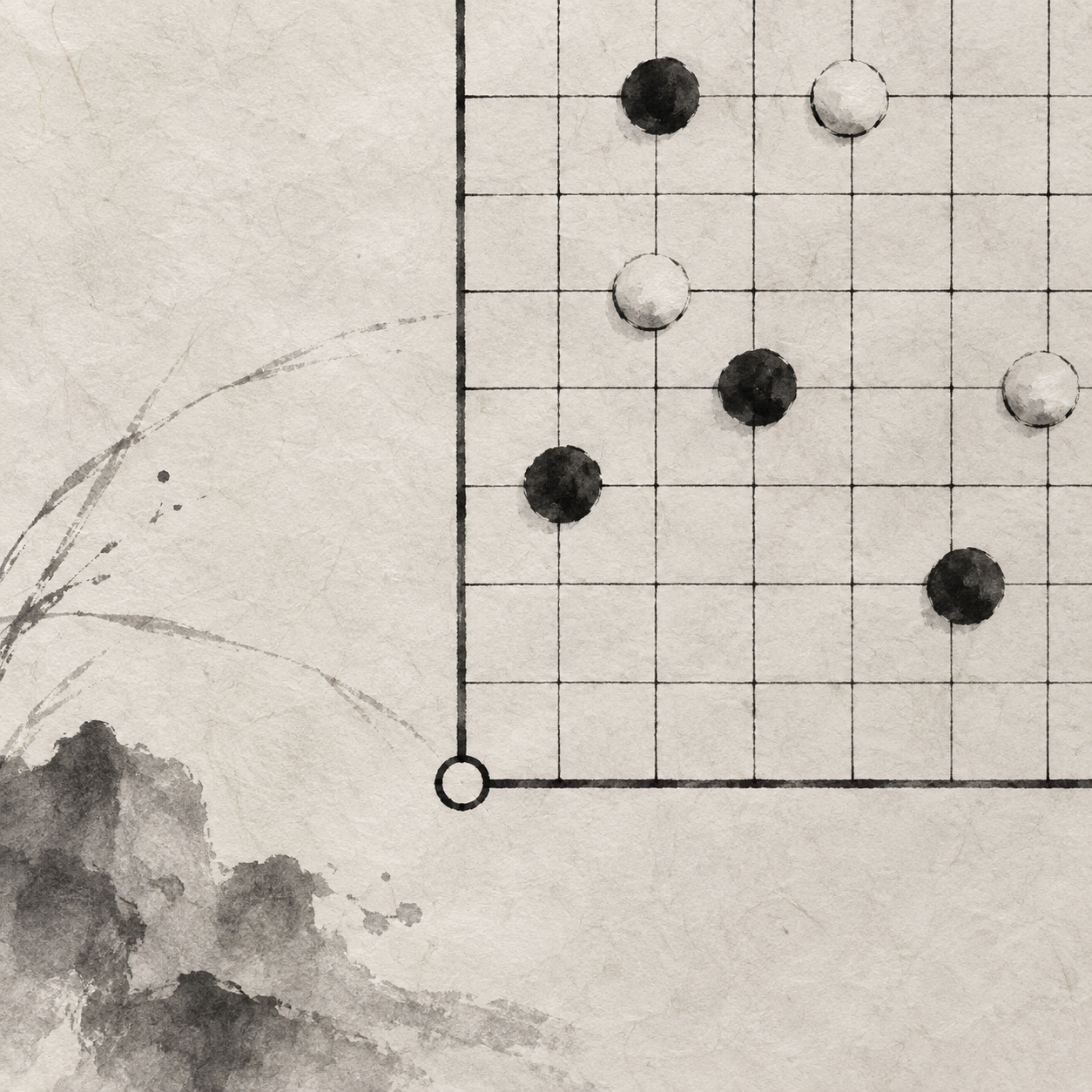
A board contains at least two visual signals that are easy to confuse: where the keyboard will act now and where the most recent stone was placed. The WCAG guidance on visible focus requires keyboard focus to be identifiable. On a board, focus might appear as a persistent hollow outline, while the last move uses a different shape or positional marker. A slight difference in color is not enough.
When focus and the last move occupy the same intersection, both layers of information still need to remain legible. The focus ring might sit outside the stone, while the last-move marker stays inside or beside it, with neither obscuring the other. A corresponding status message can also announce the coordinates, whether the point is occupied, and whether it holds the last move, so visual styling does not carry the entire meaning.
The focus indicator should remain until focus actually moves; it cannot flash once and disappear. Pointer hover, the latest-move animation, and keyboard focus also need different lifetimes. Hover ends when the pointer leaves. An animation may finish. Focus remains visible. If your attention shifts briefly to the game status, you can still find your place when you return.
Focus is for looking; placing a stone requires confirmation.
Occupied Intersections Should Still Be Inspectable
When an arrow key reaches an occupied intersection, focus should land there as usual. You can inspect the position and hear its row, column, stone ownership, and whether it carries the last-move marker. Pressing Enter or Space should not place another stone. Brief feedback should say, “This position is occupied,” while focus remains stable so you can continue to an adjacent point.
Skipping occupied points distorts the board’s spatial scale. A single press to the right would sometimes move one space and sometimes leap across an entire formation, making it difficult to build a sense of position from the number of keypresses. Keeping every intersection reachable also supports point-by-point review of connections, gaps, and edges, while permission to submit remains limited to positions allowed by the current rules.
At the Boundary, Focus Should Stop
When focus is on the far-right edge, another press of the Right Arrow key should leave it where it is. The same applies at the other three edges. APG uses this boundary behavior for directional navigation in data grids. A Gomoku board has a fixed two-dimensional orientation. If focus jumps from the right edge to the left end of the next row, both distance and direction change abruptly, breaking spatial memory.
Stopping does not mean losing feedback. The focus outline remains visible, and the position announcement does not change. If another cue is useful, a restrained status message can appear the first time you reach the boundary, rather than interrupting you after every repeated keypress. The page should not scroll instead, because the arrow keys still belong to board navigation at that moment.
Test the Keyboard Through an Entire Game
Testing whether one stone can be placed is nowhere near enough. A complete check begins outside the board, then covers entry with Tab, browsing with arrow keys, feedback for illegal positions, a legal submission, the opponent’s action, alternating turns, and the end of the game. After every state change, check whether focus remains visible and sensibly placed, and whether a new notice or panel has intercepted the arrow keys.
The end of the game also needs a clear path forward. If a result message appears, you should be able to read and dismiss it from the keyboard. After dismissal, focus returns to a sensible point in the flow that opened it. Starting a new game clears the old stones and should also reestablish the focus starting point. When you choose to leave the board, Tab must reach the next control, while Shift+Tab returns to the preceding one.
You can run a keyboard-only trial now. Move the pointer away and use only Tab to enter the board. Travel to all four edges with the arrow keys and confirm that focus neither wraps nor jumps to another row. Pass over occupied intersections and read their status. On an empty point, press Enter or Space and observe both legal and illegal outcomes. Wait for the turn to change, complete the endgame and new-game flows, then leave in both directions with Tab and Shift+Tab. If a stone appears without confirmation, focus vanishes, or escape becomes impossible, record the key and position where it happened.